
🖥️ Deep Dive: The 5 Best PC Tune-Up Tools to Reclaim Speed, Stability & Security in 2025
Whether you're a power user or casual browser, one thing’s for sure—slow computers are universally frustrating. From background clutter to fragmented registries, your PC may be quietly sabotaging its own performance. Enter the top 5 tune-up tools of 2025: tested, trusted, and optimized for today’s computing demands.
🥇 Restoro — The Full-System Fixer
Rating: ★★★★★ (9.8/10) Best For: Users needing all-in-one repair, protection, and optimization.
Why It Leads the Pack: Restoro offers a triple-layer of support—system repair, malware removal, and performance enhancement. It scans for broken Windows components and replaces them with healthy ones from its online database. It also protects in real time against digital threats.
Features Breakdown:
✅ Repairs corrupted system files
🛡️ Real-time antivirus and malware protection
🔄 Driver and OS updates
📊 Stability diagnostics with automatic fixes
Pros:
Set-it-and-forget-it simplicity
Comprehensive functionality without needing other tools
Easy for beginners, powerful for tech-savvy users
Cons:
Internet connection required for full repair database access
Can be resource-heavy during scans
Use Case: A mid-tier gaming laptop that’s crashing during updates gets Restoro treatment. Registry is cleaned, drivers updated, and malware removed—all automatically.
🥈 Advanced SystemCare by IObit — The Elegant Optimizer
Rating: ★★★★☆ (7.9/10) Best For: Users wanting fast, intuitive cleanup with customization options.
Why It Shines: Advanced SystemCare boasts sleek design and accessible features like junk file removal, browser privacy cleanups, and a startup optimizer. Its AI mode tailors optimization based on usage patterns.
Features Breakdown:
💨 Deep junk & registry cleaner
🧭 AI-powered scan modes
🔒 Browser data and privacy erasure
⚙️ Real-time performance monitor
Pros:
Attractive UI with easy navigation
Smart scanning adapts to user needs
Integrates additional tools like disk defrag
Cons:
Doesn’t include built-in antivirus
Some features gated behind Pro version
Use Case: A remote worker finds their browser sluggish due to ad trackers. Advanced SystemCare cleans it up, increases RAM availability, and shortens startup time.
🥉 Ashampoo WinOptimizer — Windows Specialist with Privacy Flair
Rating: ★★★★☆ (6.7/10) Best For: Windows users wanting control and clean visuals.
Why It’s Unique: WinOptimizer is tailored for Windows and offers real-time optimization plus privacy protection. It includes modules for tweaking Windows settings, monitoring hardware health, and cleaning system clutter.
Features Breakdown:
🛠️ Live tuner accelerates active apps
🔍 Detailed performance diagnostics
👤 Privacy cleanup for user tracking data
📅 Scheduled scans and maintenance routines
Pros:
Highly customizable
Ideal for intermediate users wanting control
Frequent updates and hardware monitoring
Cons:
Not cross-platform
Some features not obvious to non-tech users
Use Case: A user with multiple open tabs and background apps sees lag. WinOptimizer boosts responsiveness in real time and schedules ongoing performance maintenance.
🔧 CCleaner by Piriform — The Legacy Cleanup King
Rating: ★★★☆☆ (6.4/10) Best For: Users wanting a classic, lightweight cleanup tool.
Why It’s Still Relevant: Despite its age, CCleaner stays in the mix for its simplicity and effective registry and file cleaning. It doesn’t try to be everything—but what it does, it does well.
Features Breakdown:
🧹 Registry and temp file cleaner
⚙️ Startup program manager
🔄 Browser history & cache removal
📋 App uninstaller and update manager
Pros:
Lightweight and quick
Free version covers most use cases
Low resource consumption
Cons:
Basic UI feels dated
Limited diagnostic insights
Use Case: A student’s old laptop begins slowing during boot-up. CCleaner disables unnecessary startup programs and clears outdated cache—reclaiming precious performance.
🔒 Privacy Guardian by iolo — The Digital Privacy Protector
Rating: ★★★☆☆ (6.2/10) Best For: Users prioritizing anonymity and safe browsing.
Why It Matters: In an age of data harvesting, Privacy Guardian focuses on cleaning digital footprints and preventing tracking. It blocks profiling scripts and deletes personal identifiers, while also boosting system responsiveness.
Features Breakdown:
🚫 Blocks web tracking scripts
🧼 Deletes personal data logs
🌐 Shields browser activity
💻 Basic system cleanup capabilities
Pros:
Focused on online privacy
Great complement to general antivirus tools
Clean and minimalistic dashboard
Cons:
Less effective as a standalone tune-up utility
Some cleaning actions are slower than rivals
Use Case: A freelance journalist uses Privacy Guardian to erase browser activity and disable trackers while keeping system resources streamlined.
🧠 Final Insights
Choosing a tune-up tool depends on more than just speed—consider what your PC needs most.
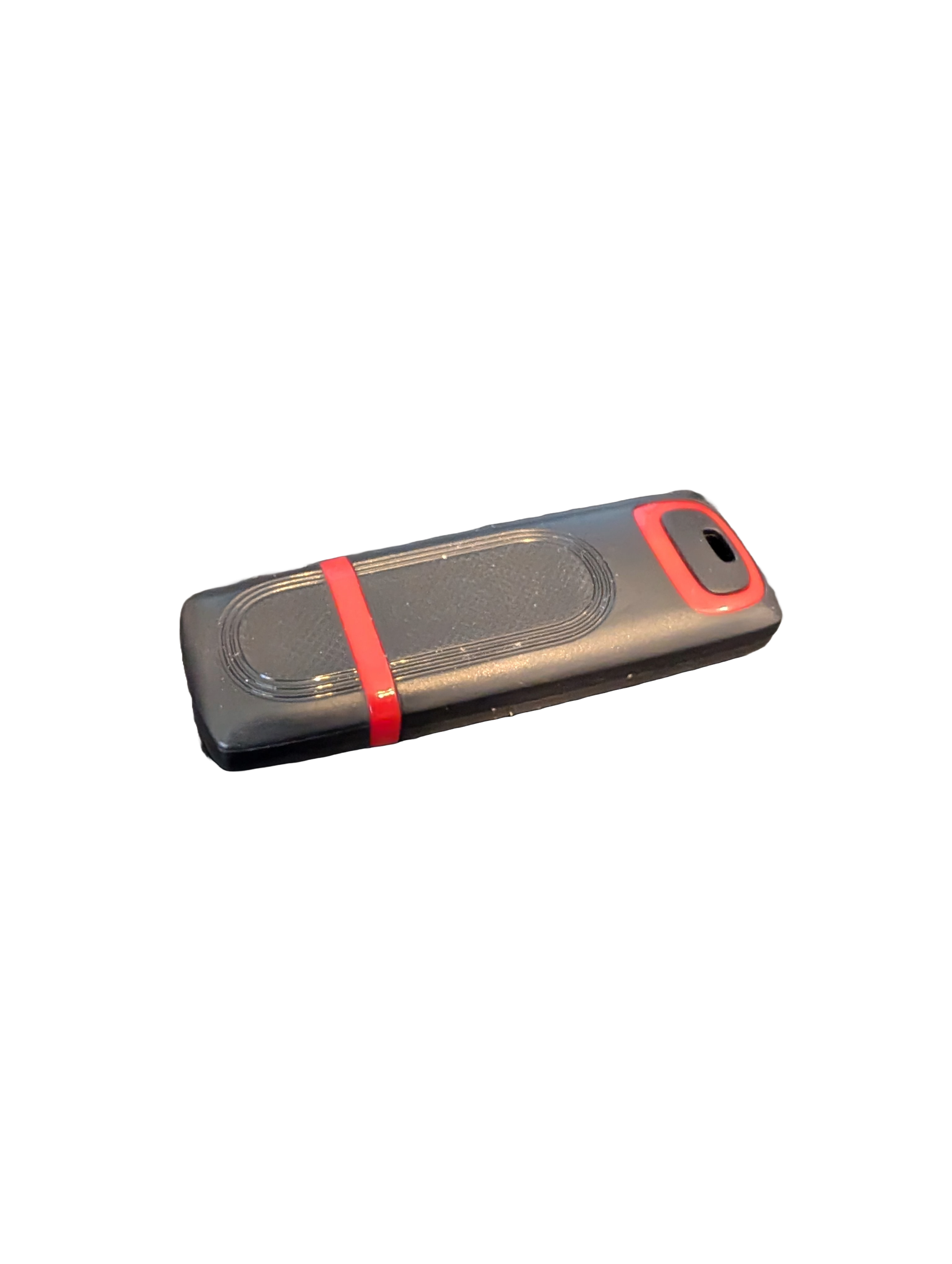
🖥️ Give Your Slow Windows PC a Fresh Boost
This plug‑and‑play Windows Computer Tune‑Up USB Drive is a complete performance‑restoration toolkit for desktops, laptops, and tablets. No installation required — simply plug it in and run the tools directly from the USB.
Perfect for speeding up slow computers, removing junk software, fixing performance issues, and cleaning malware.
🔧 What’s Included (Tools & Utilities)
Your USB drive comes preloaded with a curated suite of essential PC maintenance tools:
Windows manual update utility
Software removal & cleanup tools
Startup optimizer
Virus & malware scan/removal utilities
Disk cleanup utility
Defrag tool
Windows performance tweak utility
Registry cleanup & optimization
Note: USB brand and appearance may vary. Self‑Updating: Tools automatically stay current when connected online.
🚀 Why This Tune‑Up USB Is Better
✔ No installation required
Runs directly from the USB — ideal for damaged or slow systems.
✔ Safe, portable, and beginner‑friendly
Includes step‑by‑step instructions and a full tune‑up checklist.
✔ Works on all modern Windows PCs
Compatible with Windows desktops, laptops, and tablets.
✔ Fixes the most common PC problems
Slow startup, cluttered software, malware infections, lag, freezing, and more.
🛠️ Ideal For
Slow or aging computers
Family PCs that need regular cleanup
Students, home offices, and small businesses
Technicians who want a portable toolkit
📦 What You Get
1× Preloaded Tune‑Up USB Drive
Full instructions + tune‑up checklist
Lifetime updates to included tools
THERE IS NO GUARANTEE THIS PRODUCT WILL FIX YOUR SPECIFIC ISSUE OR IMPROVE PERFORMANCE