Winhance: The Free Windows Cleanup Tool That Actually Speeds Up Your PC
If your Windows 10 or Windows 11 computer feels slower than it used to, you’re not imagining it. Over time, Windows collects bloatware, startup apps, leftover files, and hidden settings that quietly drag down performance. A new free tool called Winhance aims to fix that—and after testing it, the results are surprisingly good.
What Is Winhance?
Winhance is a lightweight Windows utility that helps you:
Remove built‑in Windows bloatware
Uninstall unwanted third‑party apps
Optimize privacy, security, and performance settings
Customize the Start menu, Taskbar, and File Explorer
Apply recommended tweaks with one click
It brings dozens of hidden or hard‑to‑find Windows settings into one clean dashboard.
1. Easy Installation & Setup
You can install Winhance directly on your PC or run it from a USB stick. The developer recommends installing it using an administrator account for full functionality. Once launched, Winhance scans your system and suggests performance improvements based on your setup.
2. Remove Windows Bloatware in Minutes
Under Software & Apps, Winhance shows every built‑in Windows app and all third‑party software. You can quickly remove:
MSN Weather
Skype
Xbox
Sound Recorder
Clipchamp
And add useful tools like Paint.NET or Notepad++. The uninstall process is fast and clean.
3. Optimize Windows for Speed & Privacy
This is where Winhance shines. The Optimize section includes categories like:
Privacy & Security
Power
Gaming & Performance
Updates
Notifications
Sound
Each setting includes a recommendation so you know whether to enable, disable, or adjust it. Examples include:
Turning on BitLocker
Enabling Storage Sense
Disabling Fast Startup
Delaying startup apps
Switching to Google DNS for faster browsing
These tweaks add up to noticeable improvements.
4. Customize Windows the Way You Want
Winhance also makes Windows customization easier:
Align the Taskbar left
Show Taskbar on all displays
Hide Recommended apps in Start
Enable classic right‑click menus
Clean up File Explorer
These changes normally require registry edits—Winhance handles them safely.
5. Real‑World Performance Results
After applying recommended changes and rebooting, the test PC showed:
Faster startup
More free disk space
Smoother performance
Fewer background apps
Cleaner Start menu and Taskbar
The biggest improvement came from Storage Sense and delayed startup apps.
Is Winhance Safe to Use?
Yes—as long as you create a restore point first, which the program prompts you to do. This lets you undo any changes instantly.
Final Verdict
Winhance is one of the most effective free Windows cleanup tools available today. It combines decluttering, optimization, and customization in one simple interface—making it ideal for anyone who wants a faster, cleaner Windows experience without digging through menus or editing the registry.
If your PC feels sluggish, Winhance is absolutely worth trying.
Local Tech Assistance for Sherwood Park / Edmonton
If your Windows PC still feels slow after cleanup tools, I offer professional PC optimization and deep cleaning services right here in Sherwood Park & Edmonton. I can remove malware, fix startup issues, upgrade hardware, and restore full performance.
Book a tune‑up today and get your PC running like new.
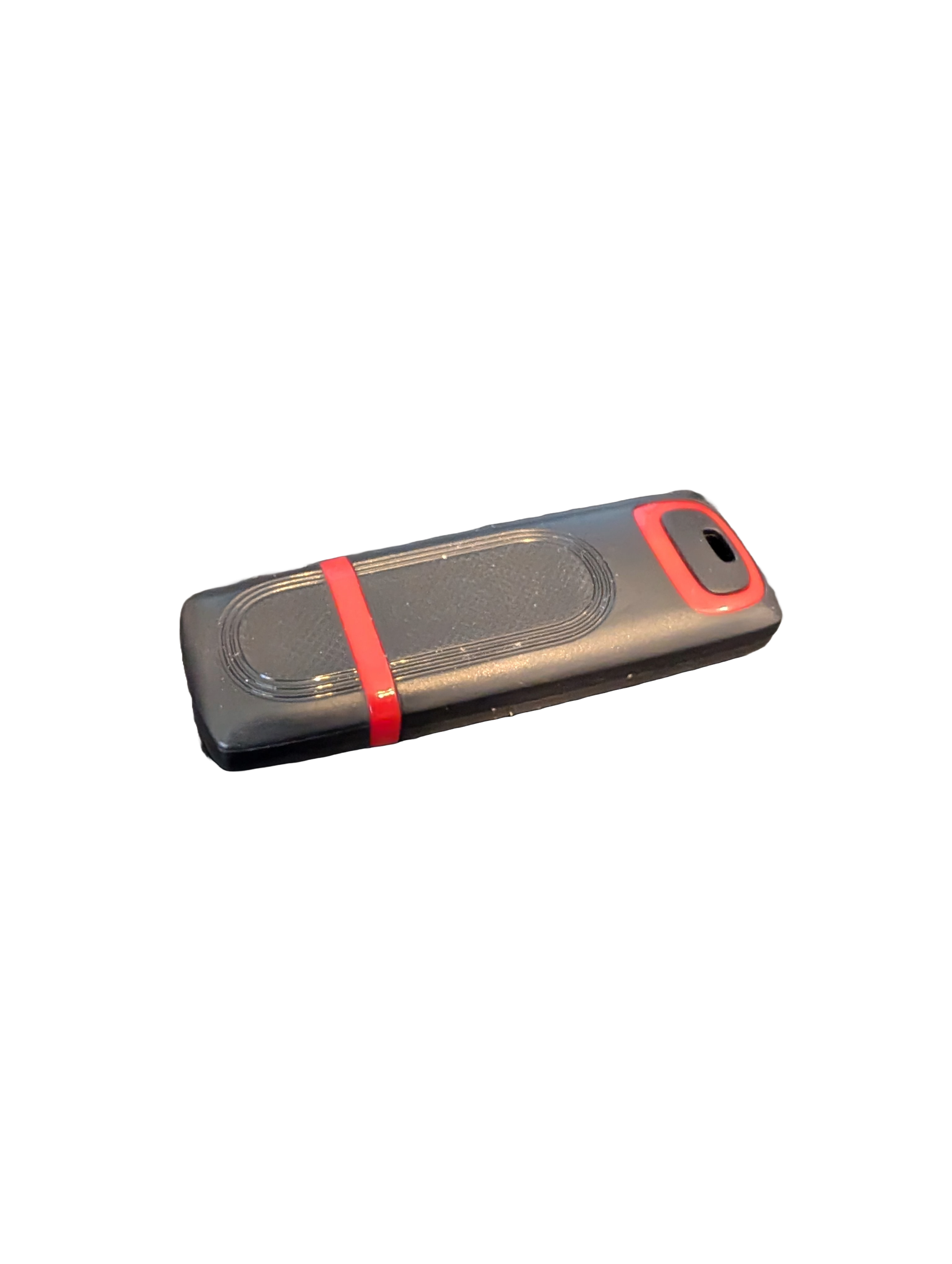
🖥️ Give Your Slow Windows PC a Fresh Boost
This plug‑and‑play Windows Computer Tune‑Up USB Drive is a complete performance‑restoration toolkit for desktops, laptops, and tablets. No installation required — simply plug it in and run the tools directly from the USB.
Perfect for speeding up slow computers, removing junk software, fixing performance issues, and cleaning malware.
🔧 What’s Included (Tools & Utilities)
Your USB drive comes preloaded with a curated suite of essential PC maintenance tools:
Windows manual update utility
Software removal & cleanup tools
Startup optimizer
Virus & malware scan/removal utilities
Disk cleanup utility
Defrag tool
Windows performance tweak utility
Registry cleanup & optimization
Note: USB brand and appearance may vary. Self‑Updating: Tools automatically stay current when connected online.
🚀 Why This Tune‑Up USB Is Better
✔ No installation required
Runs directly from the USB — ideal for damaged or slow systems.
✔ Safe, portable, and beginner‑friendly
Includes step‑by‑step instructions and a full tune‑up checklist.
✔ Works on all modern Windows PCs
Compatible with Windows desktops, laptops, and tablets.
✔ Fixes the most common PC problems
Slow startup, cluttered software, malware infections, lag, freezing, and more.
🛠️ Ideal For
Slow or aging computers
Family PCs that need regular cleanup
Students, home offices, and small businesses
Technicians who want a portable toolkit
📦 What You Get
1× Preloaded Tune‑Up USB Drive
Full instructions + tune‑up checklist
Lifetime updates to included tools
THERE IS NO GUARANTEE THIS PRODUCT WILL FIX YOUR SPECIFIC ISSUE OR IMPROVE PERFORMANCE