
Welcome To The PC Guy Tech Blog
Here you can find tons of useful information relating to Windows and PC troubleshooting & help. Topics include:
Windows 10/11 latest news
Computer troubleshooting
Tips & tricks
How to’s
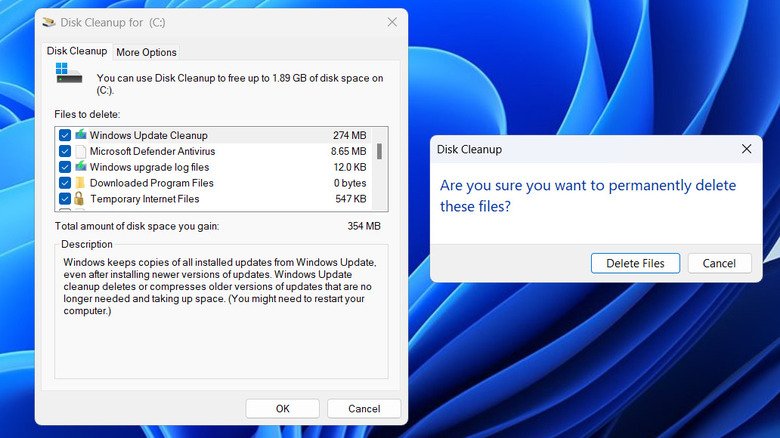
Windows 11 Has Everything You Need to Clean Your PC Without Third-Party Software
Thinking about installing a PC cleaner? Windows 11 already includes powerful built-in tools like Storage Sense, Disk Cleanup, Task Manager, and Microsoft Defender that can improve performance, free up storage space, and keep your computer secure.
Windows 11 Update Stuck? Here’s the Fix Users Are Relying On in 2026
Windows 11 updates freezing, failing, or rolling back? Here’s how users are fixing stuck updates in 2026 — with fast, reliable repair steps.
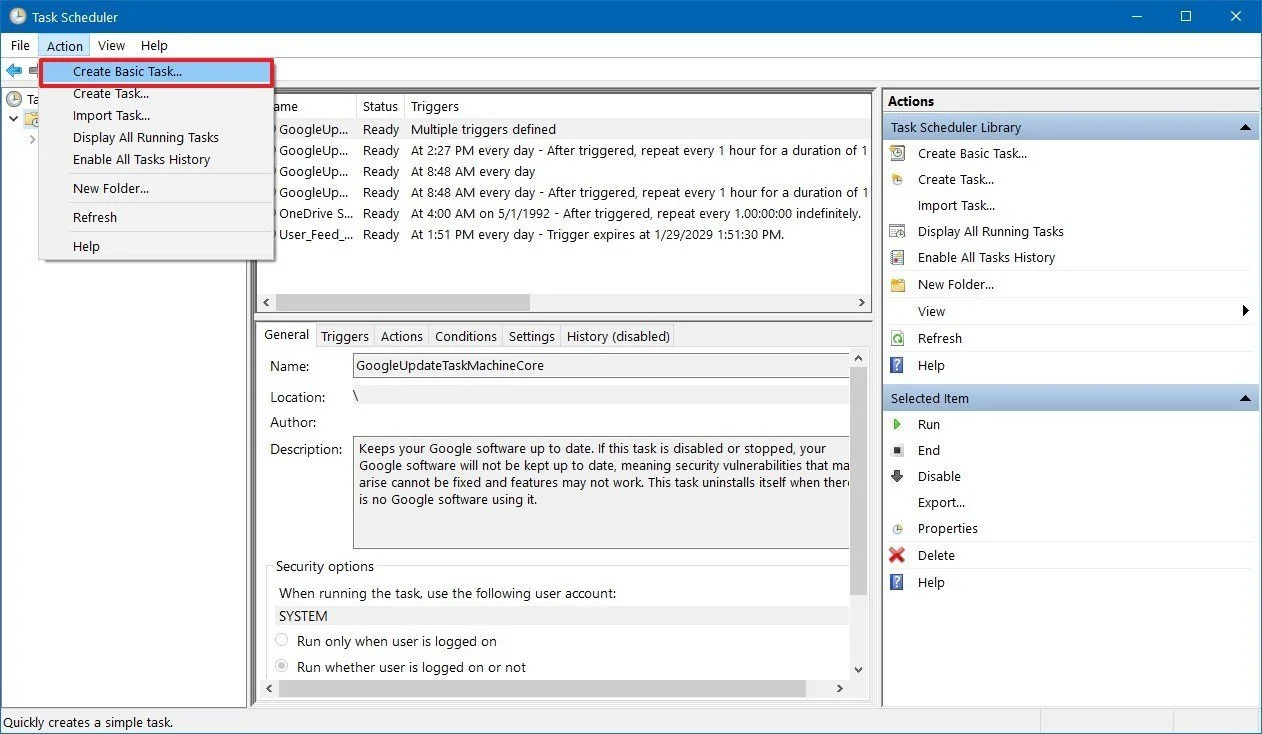
Windows Task Scheduler: Hidden Background Tasks That Could Be Slowing Your PC Startup
Windows 11 running slow at startup? Task Scheduler may be launching hidden background tasks you don’t need. Here’s how to safely disable them and speed up your boot time — from your local Sherwood Park PC repair specialist.
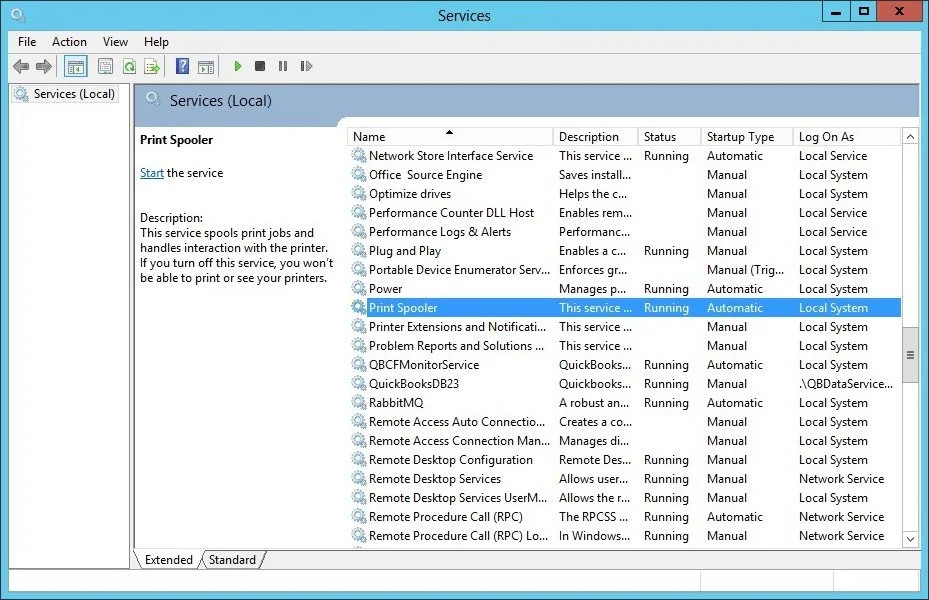
5 Windows Services You Can Safely Disable for a Faster, Cleaner PC (Microsoft‑Recommended)
Windows runs dozens of background services — but some quietly slow your PC down. Here are five Microsoft‑recommended services you can safely disable to boost performance.
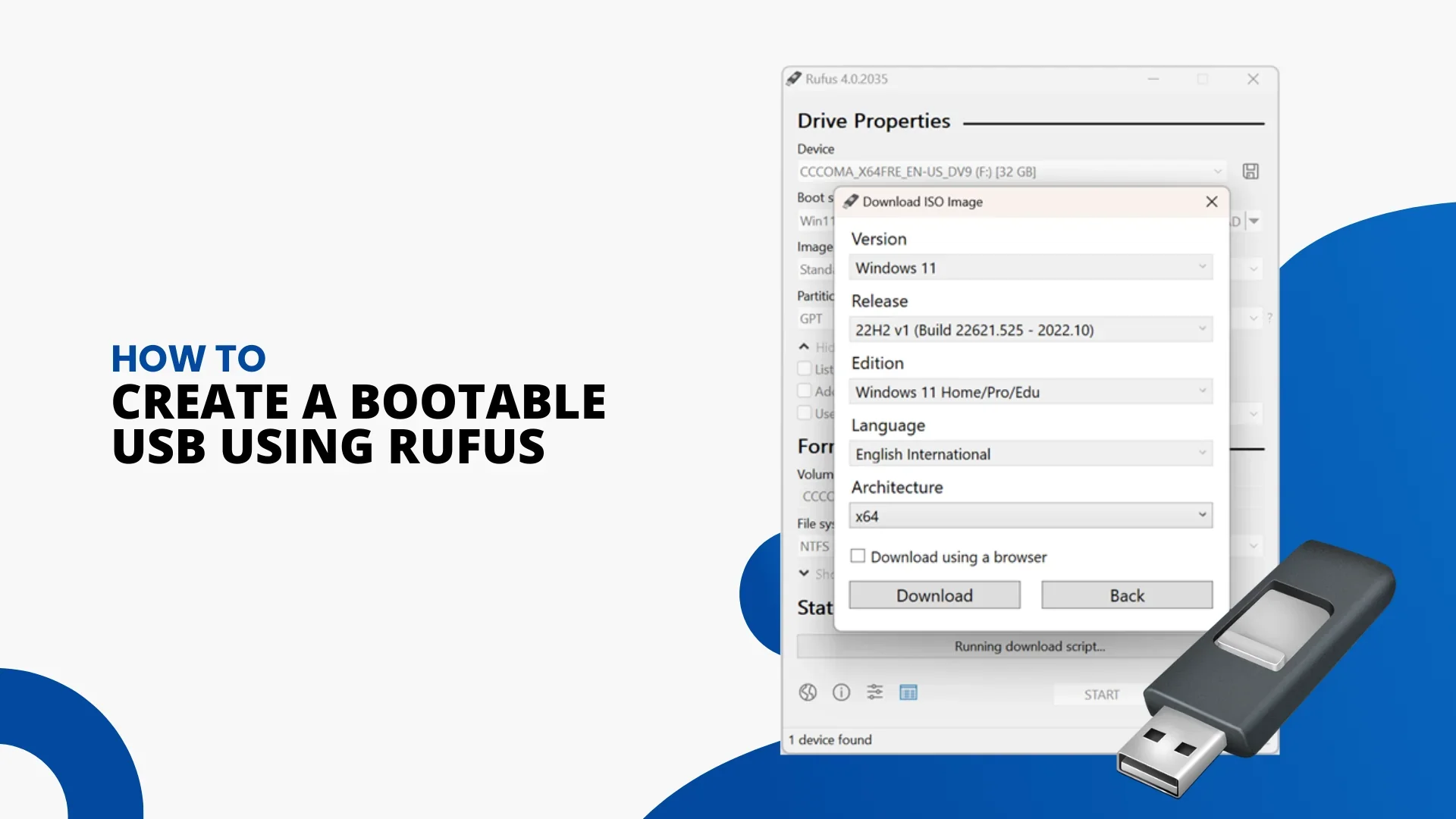
Rufus 4.14: A Major Update for Windows 11 Installers & Power Users
Rufus 4.14 introduces silent Windows 11 installation, new bloat removal tools, Copilot/Teams disabling, and improved setup customization. A major update for power users and PC technicians.
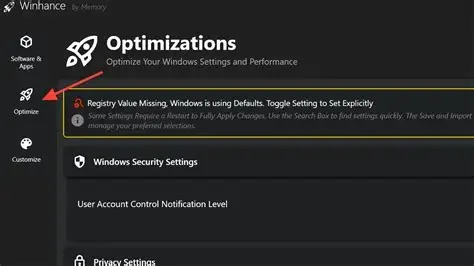
Winhance: The Free Windows Cleanup Tool That Actually Speeds Up Your PC
Winhance is a free Windows optimization tool that removes bloatware, unlocks hidden settings, and improves performance. Here’s how it sped up a Windows 11 PC in real‑world testing.
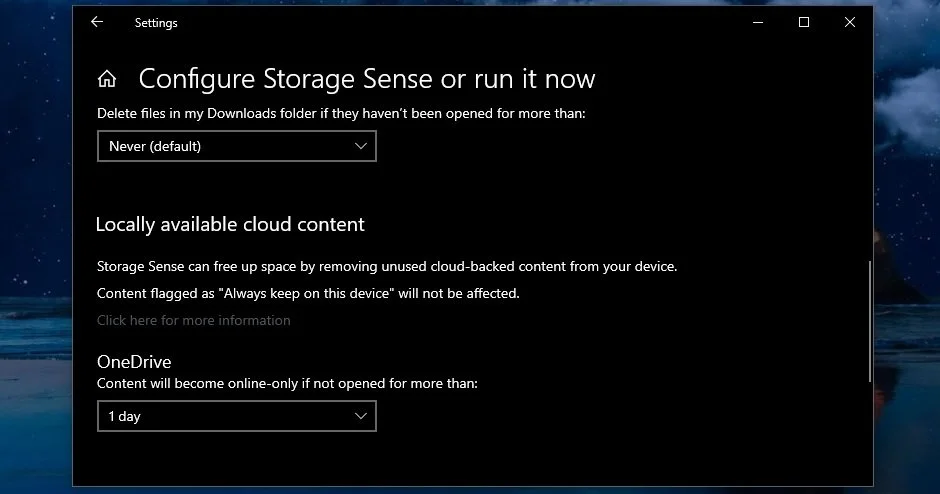
Windows Storage Sense: The Built‑In Cleanup Tool You’re Not Using Properly
Windows includes a built‑in cleanup tool called Storage Sense—but its default settings barely remove any clutter. Learn how to properly configure Storage Sense to free up disk space, speed up your PC, and keep Windows running smoothly.
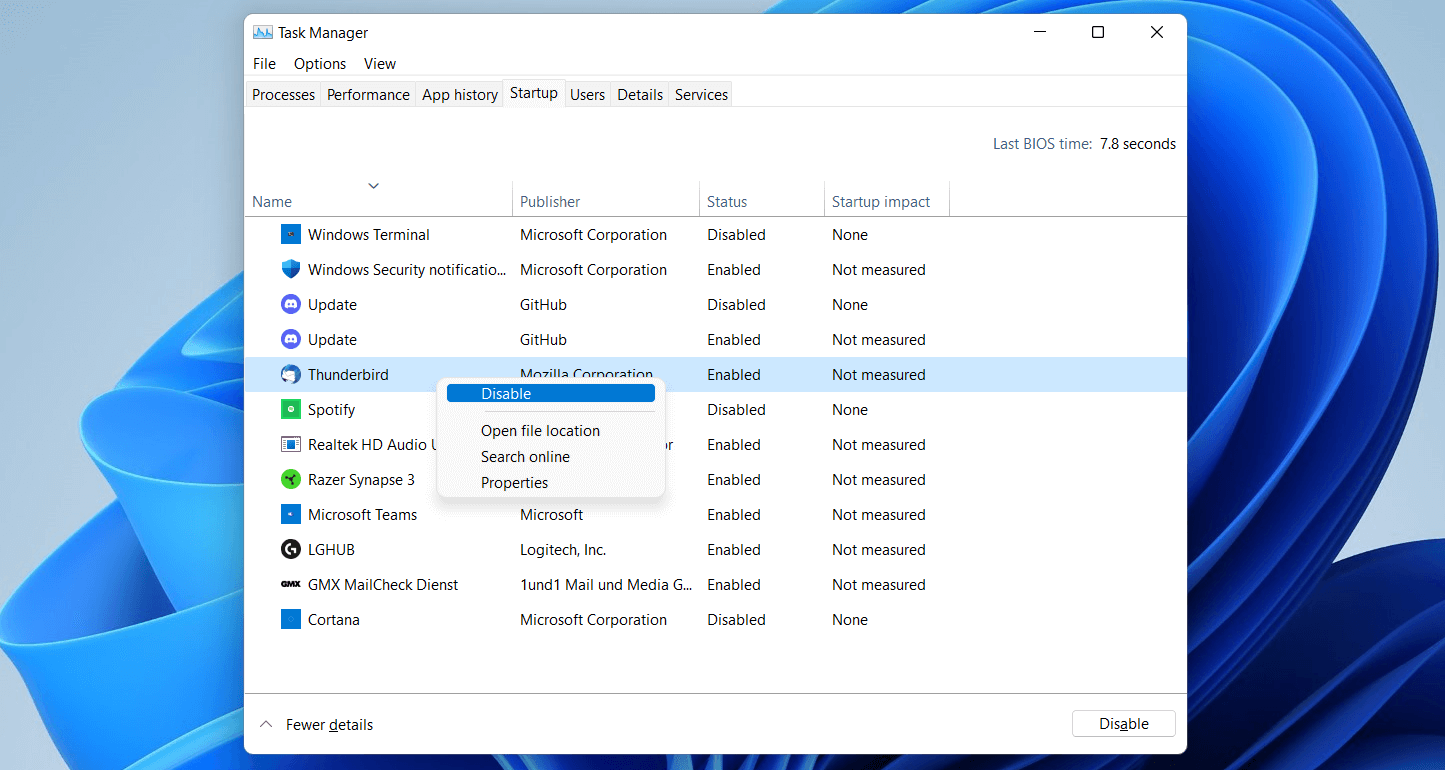
5 Windows 11 Features That Are Slowing Down Your PC (And How to Fix Them)
Windows 11 includes several features that quietly drain system resources and slow down your computer. This guide breaks down the five biggest culprits — and shows you how to disable them for a faster, smoother PC experience.
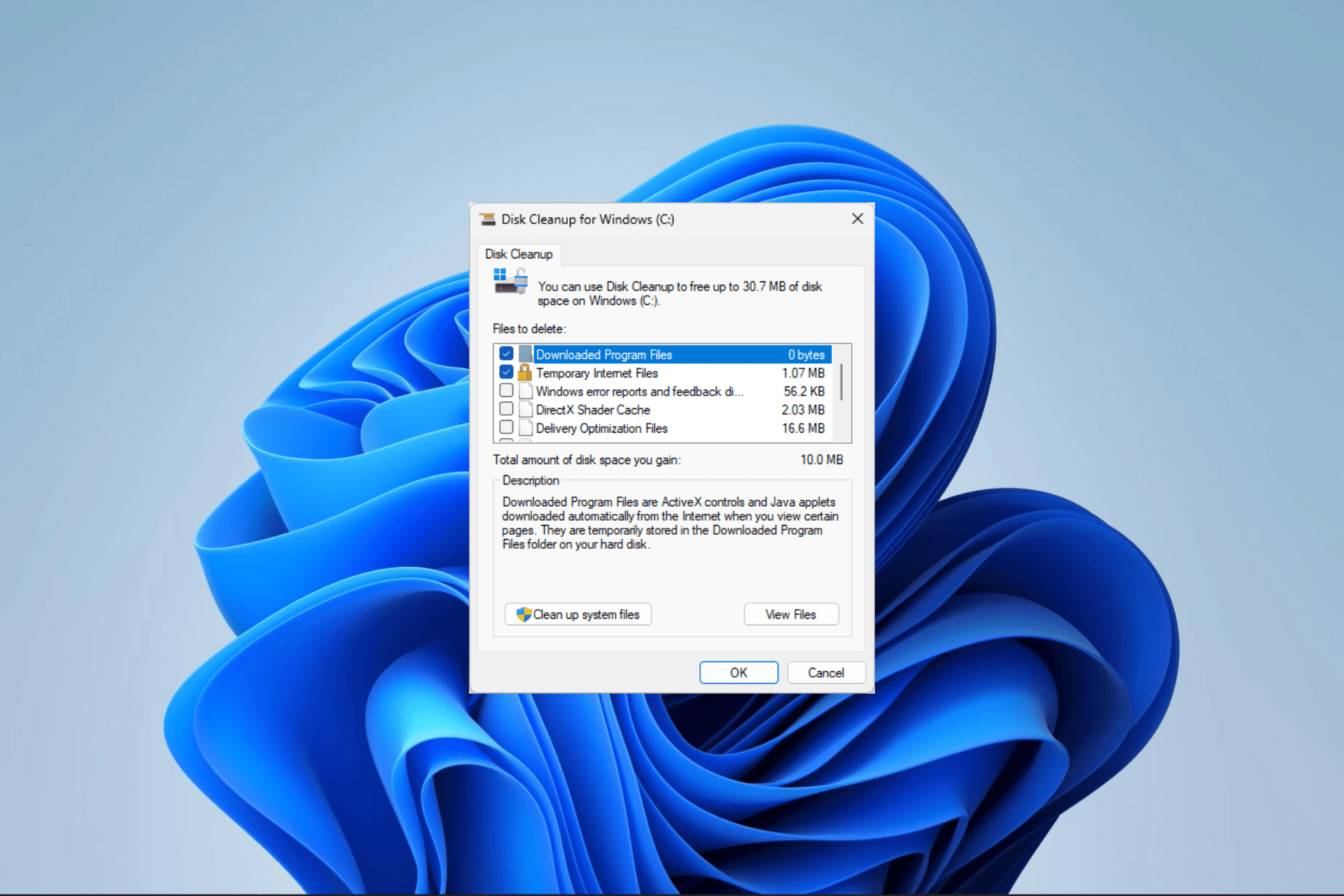
🚀Clear Your Windows 11 Cache — Here’s Why the Speed Boost Is Immediate
Windows 11 feeling sluggish? Clearing your system cache can instantly improve speed and responsiveness. Here’s how to safely clean up your PC and boost performance.
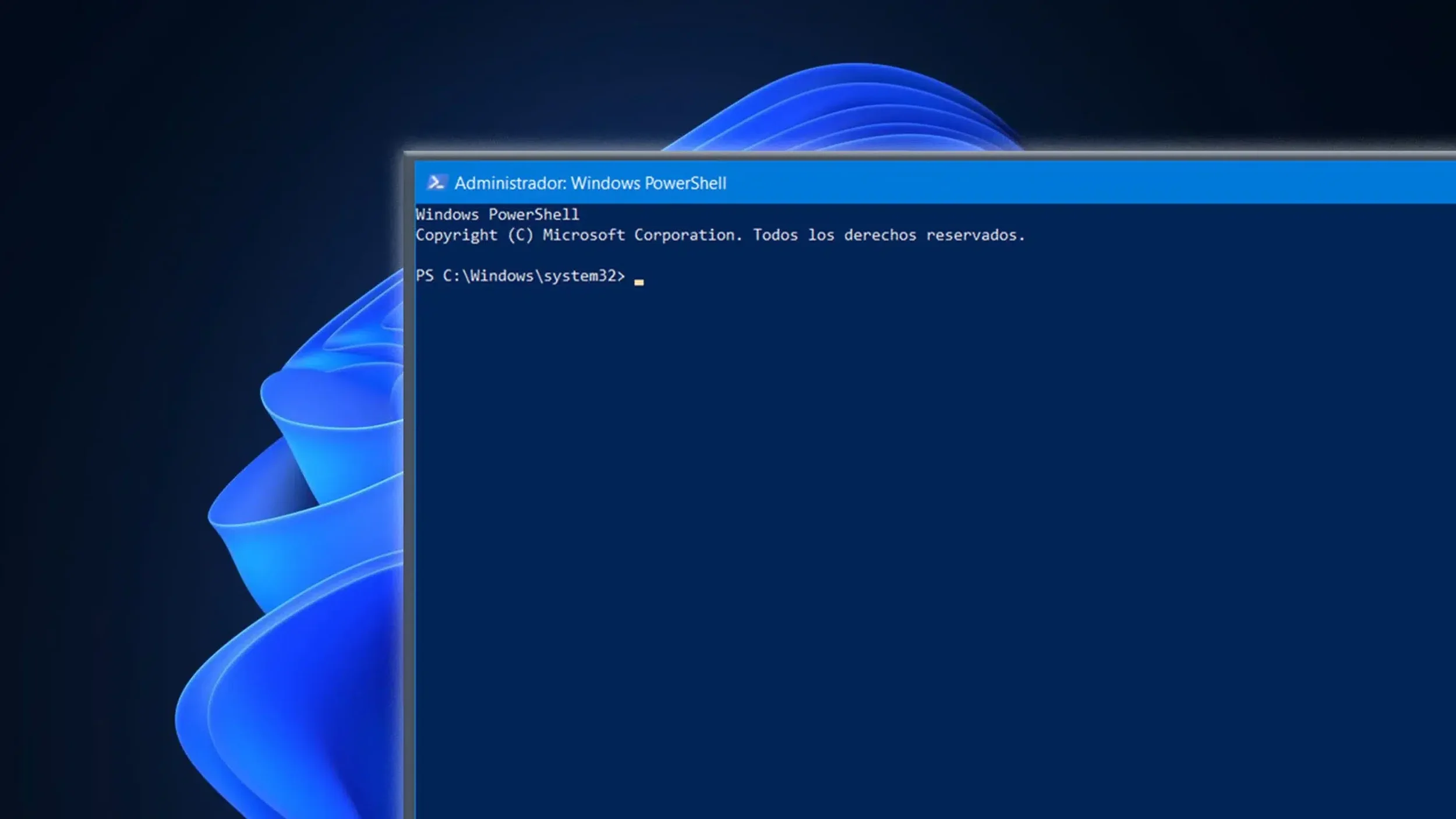
🖥️ How to Remove Windows Bloatware Safely: An Expert’s Guide
Windows 10/11 comes loaded with unnecessary apps that slow your PC down. Here’s how to safely remove bloatware without breaking anything—expert‑approved.
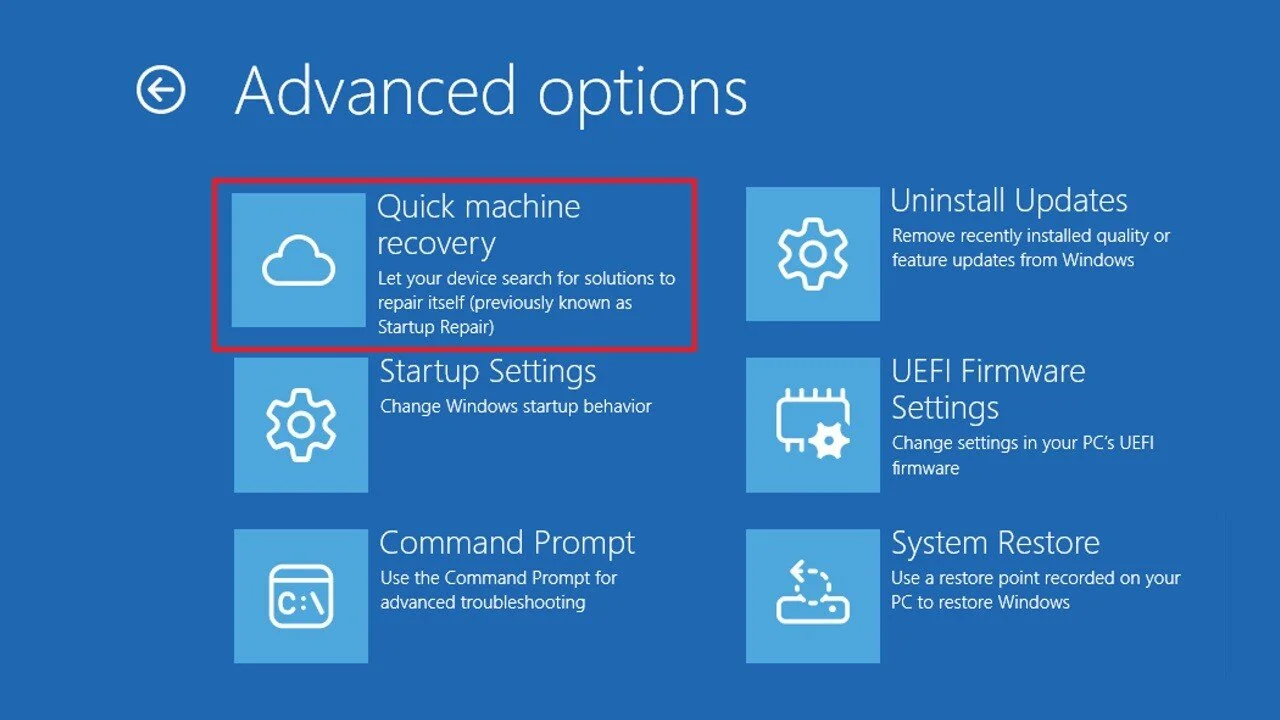
⚡ Windows 11’s New Quick Machine Recovery: What It Is & Why It Matters for Everyday PC Users
Windows 11 now includes Quick Machine Recovery — a powerful cloud‑based repair tool that automatically fixes boot failures without a USB or manual troubleshooting. Here’s why it matters and how to enable it.
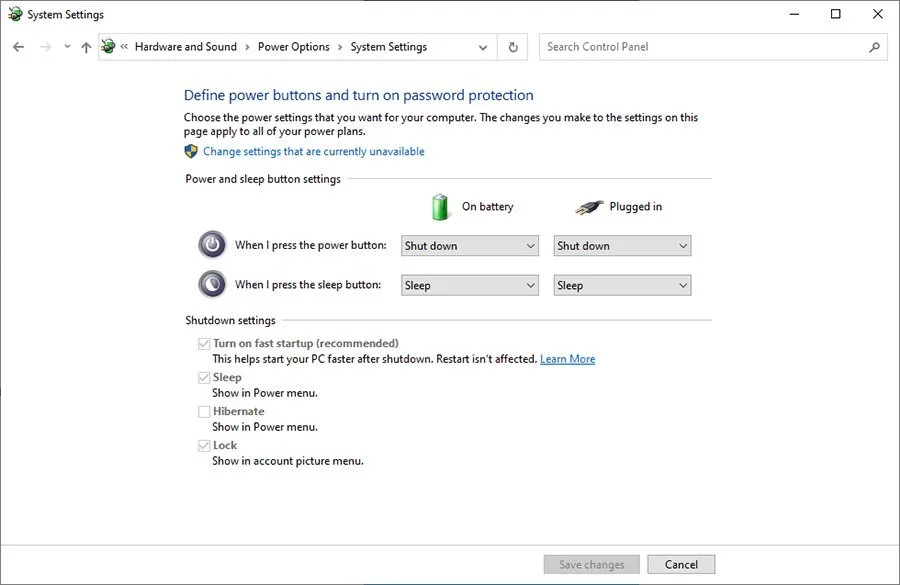
Why You Should Turn Off Windows Fast Startup (And How It Actually Improves Performance)
Why You Should Turn Off Windows Fast Startup (And How It Actually Improves Performance)
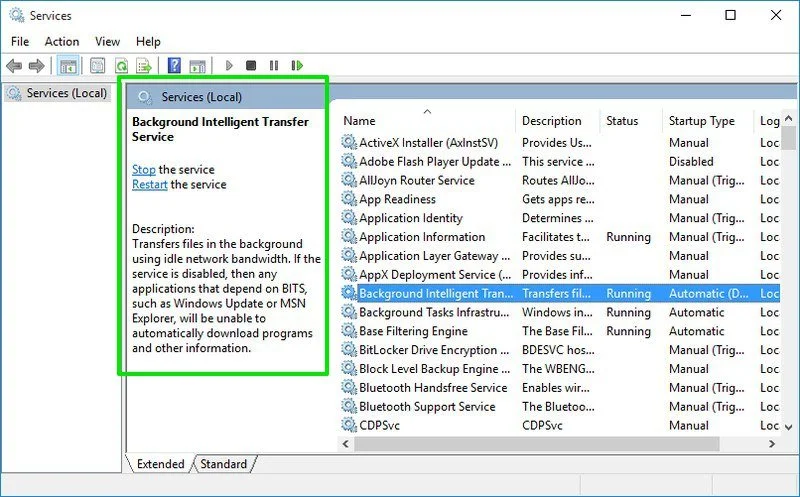
5 Windows 11 Background Services You Can Disable With No Downsides
5 Windows 11 Background Services You Can Disable With Zero Downsides
Winslop: The New Tool That Removes AI Out of Windows 11 and Gives Users Back Control
Winslop: The New Tool That Removes AI Out of Windows 11 and Gives Users Back Control
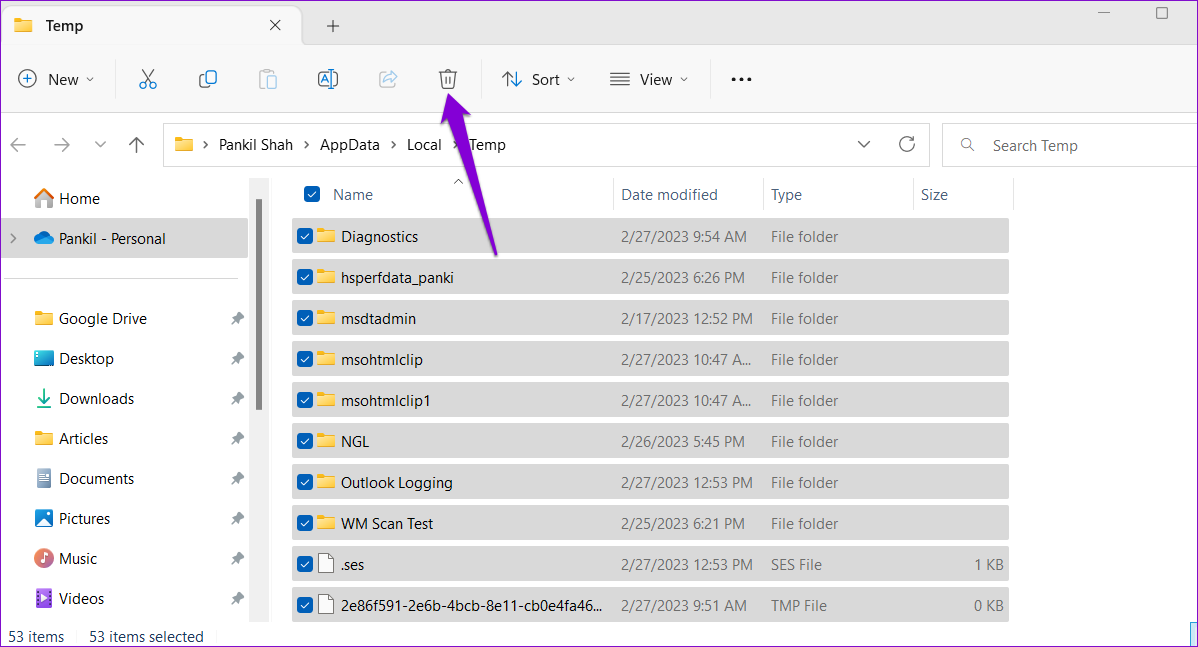
🖥️ Reclaiming Hard Drive Space: A Deep Dive Into Deleting Windows Temporary Files
🖥️ Reclaiming Hard Drive Space: A Deep Dive Into Deleting Windows Temporary Files

🧠 Unlocking Windows 11 on Unsupported PCs: A Deep Dive into the Workaround
🧠 Unlocking Windows 11 on Unsupported PCs: A Deep Dive into the Workaround

🖥️ How I Keep My Windows Apps Updated with a Single Command—And Why You Should Too
🖥️ How I Keep My Windows Apps Updated with a Single Command—And Why You Should Too

🖥️ How to Set Up Windows 11 with a Local Account (and Why You Might Want To)
How to Set Up Windows 11 with a Local Account (and Why You Might Want To)
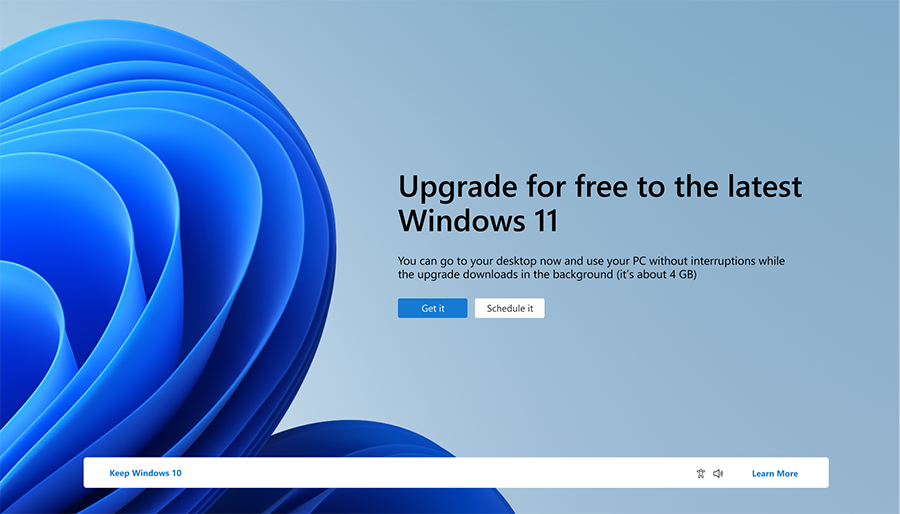
Comprehensive Guide to Upgrading from Windows 10 to Windows 11 24H2
Comprehensive Guide to Upgrading from Windows 10 to Windows 11 24H2

Don't Throw Away Your Windows 10 PC—Give It a New Life with Plasma!
Don't Throw Away Your Windows 10 PC—Give It a New Life with Plasma!