2026 Budget Laptop Buyer’s Guide: What Specs Actually Matter?
Budget Laptops Have Changed — But Confusion Hasn’t
Buying a budget laptop in 2026 is harder than ever. Specs look similar, model names are confusing, and big‑box stores push devices that look good on paper but perform terribly in real life.
This guide cuts through the noise. As a local PC technician who refurbishes, repairs, and optimizes laptops every day, here’s what actually matters — and what doesn’t — when buying a budget laptop in 2026.
1. The Processor (CPU): The #1 Spec That Determines Real‑World Speed
Most budget laptops use one of these:
✔ Intel N‑Series (N100, N200, N305, N97)
Great for web browsing, email, streaming, schoolwork
Low power, low heat
Not good for heavy multitasking or big apps
Avoid older Celeron/Pentium models — they’re painfully slow
✔ AMD Ryzen 3 / Ryzen 5 (3000–7000 Series)
Much faster than Intel N‑Series
Best value for performance
Great for students, office work, and light creative tasks
✔ Intel Core i3 / i5 (10th–13th Gen)
Solid mid‑range performance
Good for multitasking and long‑term use
Often found in refurbished business laptops
Bottom line: If you want the best performance per dollar, choose Ryzen 3/5 or Core i3/i5. If you only need basics, Intel N100/N200 is fine — but avoid anything older.
2. RAM: 4GB vs 8GB vs 16GB — What You Actually Need
RAM determines how many apps you can run smoothly.
✔ 4GB RAM
Bare minimum
Only acceptable on Chromebooks or ultra‑light Windows installs
Will feel slow with modern browsers
✔ 8GB RAM
The real‑world sweet spot
Smooth for school, office, browsing, streaming
Works well with Windows 11
✔ 16GB RAM
Ideal for multitaskers, creators, or long‑term use
Rare in budget laptops unless refurbished
Bottom line: Get 8GB RAM unless the laptop is a Chromebook or extremely cheap.
3. Storage Type: SSD vs eMMC vs UFS
This is where many buyers get tricked.
❌ eMMC Storage (Avoid)
Extremely slow
Common in $200–$300 laptops
Feels laggy even with light use
✔ UFS Storage (Better)
Faster than eMMC
Still not as fast as a real SSD
Acceptable for basic use
✔ SSD (Best Choice)
Fast boot times
Smooth app performance
Best long‑term reliability
Bottom line: Always choose SSD when possible. If the laptop uses eMMC, skip it unless it’s a Chromebook.
4. Display Quality: Don’t Get Stuck With a Bad Screen
Budget laptops often cut corners on the display.
TN Panels (Avoid)
Washed‑out colours
Poor viewing angles
Hard on the eyes
IPS Panels (Recommended)
Bright, sharp, colour‑accurate
Much better for school and office work
Resolution
1080p (Full HD) is the minimum you want
Avoid 1366×768 unless the price is extremely low
Bottom line: Look for IPS + 1080p — it makes a huge difference.
5. Build Quality & Keyboard
This is where refurbished business laptops shine.
Consumer Laptops (Walmart/Best Buy)
Plastic build
Flexy keyboards
Shorter lifespan
Business Laptops (Dell Latitude, HP ProBook, Lenovo ThinkPad)
Stronger chassis
Better keyboards
Designed for 5–7 years of use
Great value when refurbished
Bottom line: A refurbished business laptop often beats a brand‑new budget consumer laptop.
6. Battery Life
Budget laptops vary wildly:
Intel N‑Series: 6–12 hours
Ryzen 3/5: 5–9 hours
Older refurbished laptops: 2–5 hours (but batteries are replaceable)
If portability matters, prioritize newer CPUs and larger batteries.
7. Ports & Connectivity
Make sure the laptop has:
USB‑A ports (for accessories)
USB‑C (charging is a bonus)
HDMI (for monitors/TVs)
Wi‑Fi 5 or Wi‑Fi 6
SD card reader (optional but useful)
Avoid laptops with only one USB port — they’re frustrating.
8. Windows vs Chromebook: Which Should You Choose?
Choose Windows if you need:
Microsoft Office
Zoom/Teams
Local apps
File management
Upgrades and repairs
Choose Chromebook if you need:
Web browsing
Google Classroom
Email & streaming
Simple, secure, low‑maintenance use
Chromebooks are great for seniors and students — but not for advanced tasks.
9. What You Should Expect to Pay in 2026
$150–$250
Chromebooks
Older refurbished laptops
Light‑use machines
$250–$400
Intel N100/N200 laptops
Basic Windows machines
Good for students and home use
$400–$600
Ryzen 3/5 or Core i3/i5
Best performance per dollar
Great for long‑term use
$600+
Premium budget
Better screens, build quality, and battery life
10. The Technician’s Recommended Specs (2026 Sweet Spot)
If you want a laptop that feels fast, lasts years, and doesn’t break the bank:
CPU: Ryzen 3/5 or Intel Core i3/i5
RAM: 8GB
Storage: 256GB SSD
Display: 1080p IPS
OS: Windows 11
Price Range: $350–$550 (refurbished or new)
This is the configuration I recommend to 90% of customers.
Final Thoughts
Budget laptops in 2026 can be fantastic — if you know what to look for. Ignore the flashy marketing and focus on the specs that actually matter: CPU, RAM, storage, and display quality.
If you’re in Sherwood Park or Edmonton and want help choosing, upgrading, or setting up a laptop, I offer:
Local tech support
PC tune‑ups
Refurbished laptops
Windows reinstallations
Hardware upgrades
You’ll get honest advice and real technician‑tested performance.
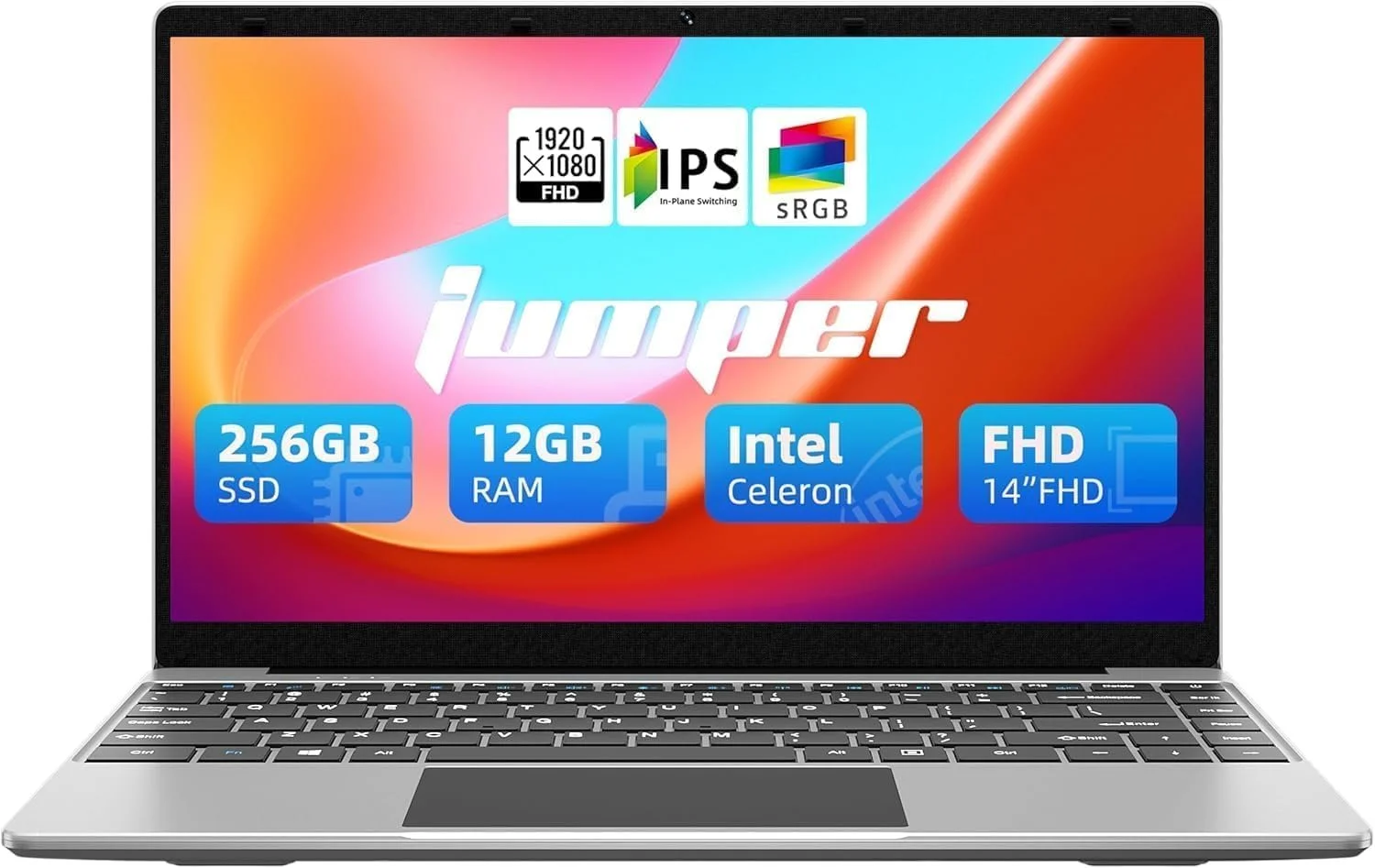
CHECK OUT BUDGET LAPTOPS ON AMAZON