Solid‑state drives (SSDs) have become the standard upgrade for speeding up laptops and desktops. But not all SSDs are built the same — and choosing the right one can make a huge difference in performance, lifespan, and compatibility.
Below is a clear breakdown of the four main types of SSDs, their advantages, drawbacks, and which one is best depending on your system and workload.
1. SATA SSD (2.5‑inch)
Best for: Older desktops & laptops, budget upgrades, everyday use
SATA SSDs are the most common and widely compatible drives. They use the same connector as traditional hard drives, making them ideal for older systems.
Pros
Works with almost any computer made in the last 15 years
Affordable — great cost‑per‑GB
Huge improvement over HDDs (5–10× faster)
Easy to install
Cons
Slower than NVMe drives (limited by SATA interface)
Not ideal for heavy workloads like 4K editing or large game libraries
Recommended For
Everyday users
Office PCs
Older laptops needing a speed boost
2. M.2 SATA SSD
Best for: Slim laptops & desktops that support M.2 but not NVMe
M.2 SATA drives look like NVMe sticks but run at SATA speeds. Many budget laptops use this type.
Pros
Compact and cable‑free
Same performance as 2.5" SATA but in a smaller form factor
Good for light workloads
Cons
Easy to confuse with NVMe (same shape, different speed)
Still limited by SATA speeds
Not supported by all older motherboards
Recommended For
Ultrabooks
Small form factor desktops
Systems that need SATA compatibility in an M.2 slot
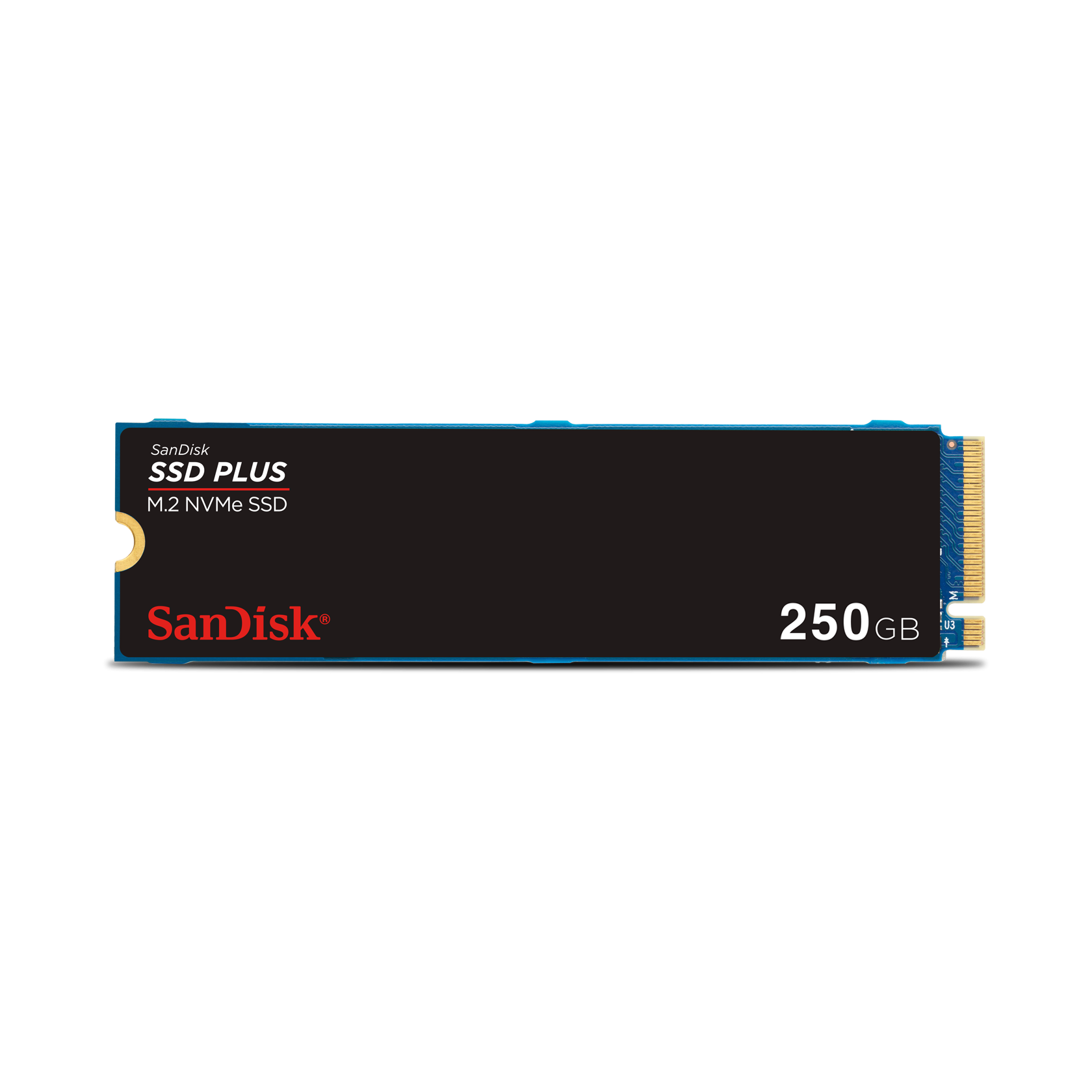
3. NVMe SSD (PCIe 3.0)
Best for: Modern desktops & laptops, gaming, productivity, content creation
NVMe drives use the PCI Express interface, offering massive speed improvements over SATA.
Pros
Extremely fast (3–6× faster than SATA)
Great for gaming, large file transfers, and multitasking
Lower latency and better efficiency
Cons
Requires an NVMe‑compatible M.2 slot
Slightly more expensive than SATA
Can run hotter under heavy load
Recommended For
Gamers
Creators (photo/video editing)
Power users upgrading modern systems
4. NVMe SSD (PCIe 4.0 & 5.0)
Best for: High‑end gaming rigs, workstations, next‑gen performance
PCIe 4.0 and 5.0 NVMe drives push speeds to the extreme — ideal for professionals and enthusiasts.
Pros
Blazing‑fast read/write speeds
Perfect for 4K/8K editing, large datasets, and high‑end gaming
Future‑proof for years
Cons
Requires a newer motherboard
More expensive
Generates more heat — often needs heatsinks
Recommended For
High‑end gaming PCs
Workstations
Users who want maximum performance
Which SSD Should You Choose?
Everyday user
Choose: SATA SSD
Reason: Affordable, reliable, huge speed boost
Older laptop/desktop
Choose: 2.5" SATA SSD
Reason: Maximum compatibility
Budget modern laptop
Choose: M.2 SATA SSD
Reason: Fits slim designs, decent performance
Gamer
Choose: NVMe PCIe 3.0
Reason: Fast load times, great value
Content creator
Choose: NVMe PCIe 4.0
Reason: Handles large files and editing workloads
High‑end workstation
Choose: NVMe PCIe 4.0 or 5.0
Reason: Maximum throughput and future‑proofing
Need Help Choosing or Installing an SSD? I’ve Got You Covered.
Upgrading your storage is one of the fastest ways to bring new life to your computer — but picking the right SSD can be confusing. If you're in Sherwood Park or Edmonton, I can help you:
Identify the exact SSD your system supports
Recommend the best drive for your budget and workload
Install and configure the SSD for maximum performance
Transfer your files, Windows, and apps safely
Speed up slow laptops and desktops with a full tune‑up
Fast, affordable, and done right — locally.
Book Your SSD Upgrade Today
Whether it’s SATA, M.2, or NVMe, I’ll make sure you get the right drive and a noticeable performance boost.
👉 Contact The PC Guy (Sherwood Park & Edmonton) 👉 Same‑day or next‑day service available 👉 Upfront pricing — no surprises
AMAZON DEALS