
Boost Your PC's Performance with the Latest PC Manager Update
Microsoft has just released a new version of PC Manager, the free tuning tool designed to optimize Windows 10 and Windows 11 systems. This latest update, version 3.14, brings several exciting features that can help you keep your PC running smoothly.
Real-Time Internet Speed Monitoring
One of the standout features of this update is the ability to view your internet speed directly on the desktop. The new feature displays both downstream and upstream speeds in real time, right in the Windows taskbar. This means you can always see how fast your internet connection is, without needing to open any additional apps.
Enhanced Storage Management
PC Manager 3.14 also introduces a new algorithm for freeing up storage space. This improvement allows the app to recognize and remove unnecessary files, including temporary files, more quickly and efficiently. Say goodbye to clutter and hello to more available storage space!
Integration with Windows 11 Widgets
Another great addition is the ability to integrate PC Manager into Windows 11 Widgets. If you haven't started using Widgets yet, now is a great time to explore this feature. Widgets provide quick access to a wealth of information with just a single keystroke, making your PC experience even more seamless.
Why You Should Use PC Manager
We highly recommend PC Manager as a must-have app for regular PC maintenance. It helps you reclaim storage space you didn't even know you had and keeps your system running at its best. For more tips on using PC Manager, check out our guide to digital spring cleaning.
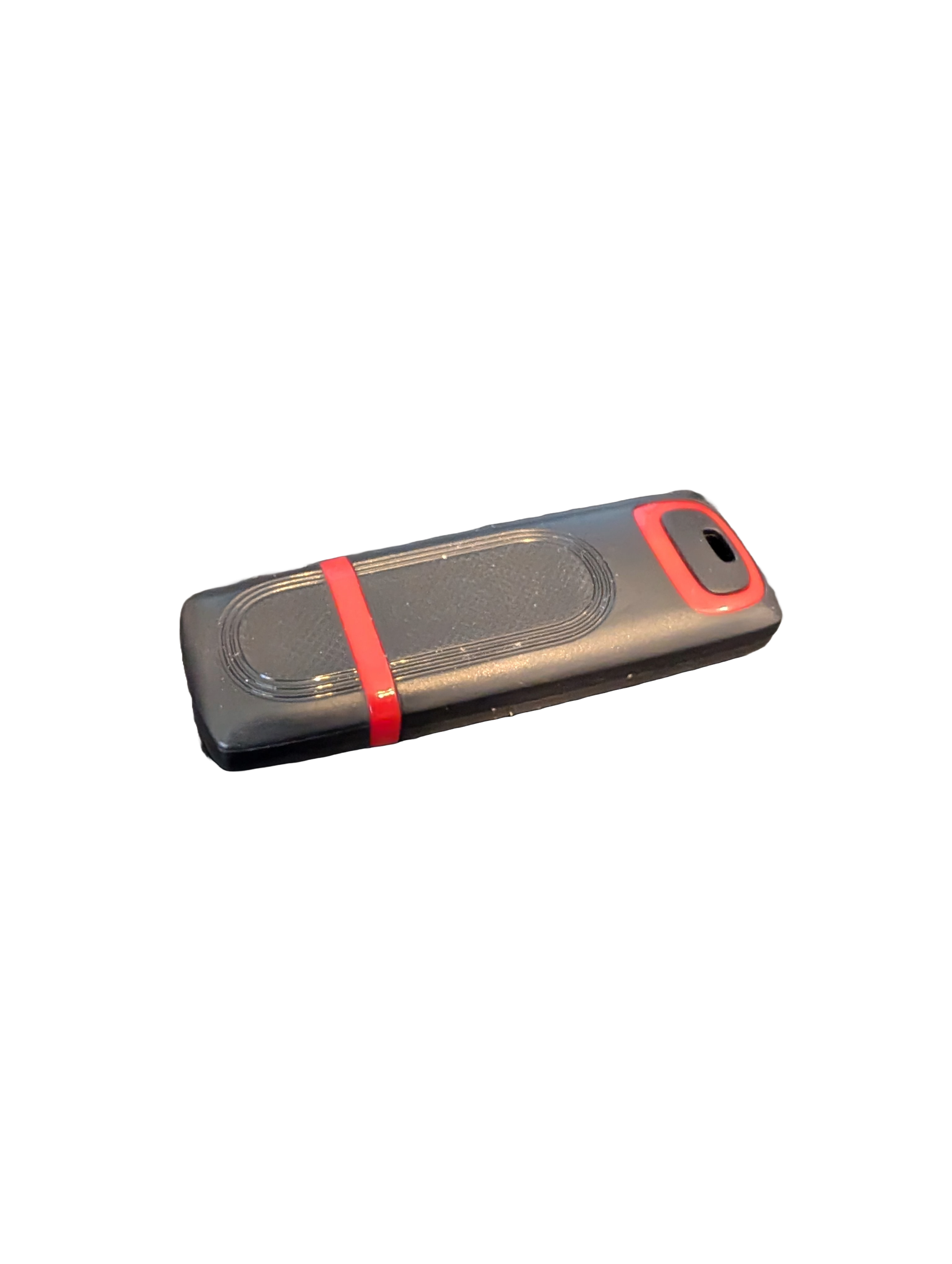
🖥️ Give Your Slow Windows PC a Fresh Boost
This plug‑and‑play Windows Computer Tune‑Up USB Drive is a complete performance‑restoration toolkit for desktops, laptops, and tablets. No installation required — simply plug it in and run the tools directly from the USB.
Perfect for speeding up slow computers, removing junk software, fixing performance issues, and cleaning malware.
🔧 What’s Included (Tools & Utilities)
Your USB drive comes preloaded with a curated suite of essential PC maintenance tools:
Windows manual update utility
Software removal & cleanup tools
Startup optimizer
Virus & malware scan/removal utilities
Disk cleanup utility
Defrag tool
Windows performance tweak utility
Registry cleanup & optimization
Note: USB brand and appearance may vary. Self‑Updating: Tools automatically stay current when connected online.
🚀 Why This Tune‑Up USB Is Better
✔ No installation required
Runs directly from the USB — ideal for damaged or slow systems.
✔ Safe, portable, and beginner‑friendly
Includes step‑by‑step instructions and a full tune‑up checklist.
✔ Works on all modern Windows PCs
Compatible with Windows desktops, laptops, and tablets.
✔ Fixes the most common PC problems
Slow startup, cluttered software, malware infections, lag, freezing, and more.
🛠️ Ideal For
Slow or aging computers
Family PCs that need regular cleanup
Students, home offices, and small businesses
Technicians who want a portable toolkit
📦 What You Get
1× Preloaded Tune‑Up USB Drive
Full instructions + tune‑up checklist
Lifetime updates to included tools
THERE IS NO GUARANTEE THIS PRODUCT WILL FIX YOUR SPECIFIC ISSUE OR IMPROVE PERFORMANCE