🚀 Windows 11’s March Update Brings Powerful New Features: Here’s What You Need to Know
Microsoft has rolled out its March 2026 update for Windows 11 (KB5079473), and it’s one of the most feature‑packed releases in months. Whether you’re a home user, a small business owner, or someone who relies on their PC for daily productivity, this update delivers meaningful improvements across performance, security, and usability.
Below is a breakdown of the most important changes—and why they matter.
🔐 New Security Tools: Sysmon Arrives in Windows 11
One of the standout additions is Sysmon, a powerful system monitoring tool previously used mainly by IT pros and security analysts. Now built directly into Windows 11, Sysmon helps track system activity and detect suspicious behavior.
Why it matters: For everyday users, this means stronger protection against malware and unauthorized system changes—without needing third‑party tools.
💾 Better Backup & Faster Recovery
Microsoft continues to refine its backup and recovery ecosystem. This update introduces:
✔ Improved Windows Backup
More reliable backups with fewer errors and smoother restore processes.
✔ Quick Machine Recovery (QMR)
A new feature designed to get your PC back up and running quickly after a major issue.
Why it matters: If you rely on your PC for work or school, these improvements reduce downtime and protect your data.
🌐 Built‑In Internet Speed Test
Windows 11 now includes a native speed test tool, eliminating the need to visit third‑party websites.
Why it matters: Troubleshooting slow Wi‑Fi or diagnosing network issues becomes much easier—especially helpful for remote workers and gamers.
🖼 WebP Images Now Supported as Desktop Backgrounds
A small but welcome quality‑of‑life upgrade: Windows 11 now lets you use WebP images as desktop wallpapers.
Why it matters: WebP files are smaller and load faster than JPEG or PNG, making them ideal for high‑resolution backgrounds without slowing down your system.
🛠 Better Support for Arm‑Based PCs
Remote Server Administration Tools (RSAT) now work on Arm‑based Windows devices, expanding compatibility for IT professionals and power users.
Why it matters: Arm laptops are becoming more common due to their battery life and efficiency. This update makes them more viable for business and administrative tasks.
⚡ Performance Boosts & Bug Fixes
Microsoft has also addressed several long‑standing performance issues:
Windows Update loads content faster
File Explorer search is more reliable, especially when searching across multiple drives or “This PC”
General system stability improvements
These refinements help Windows 11 feel smoother and more responsive day‑to‑day.
🔄 How to Get the Update
Most PCs will automatically install KB5079473 through Windows Update. If it hasn’t appeared yet, you can manually download it from the Microsoft Update Catalog.
🧰 Need Help Updating or Optimizing Your PC?
If you're in Sherwood Park or Edmonton and want help installing updates, improving performance, or troubleshooting Windows issues, I offer:
PC cleaning & optimization
Windows reinstallations & recovery
Malware removal
Hardware upgrades
Small business IT support
A smooth, secure PC starts with proper maintenance—this update is a great opportunity to get your system running at its best.
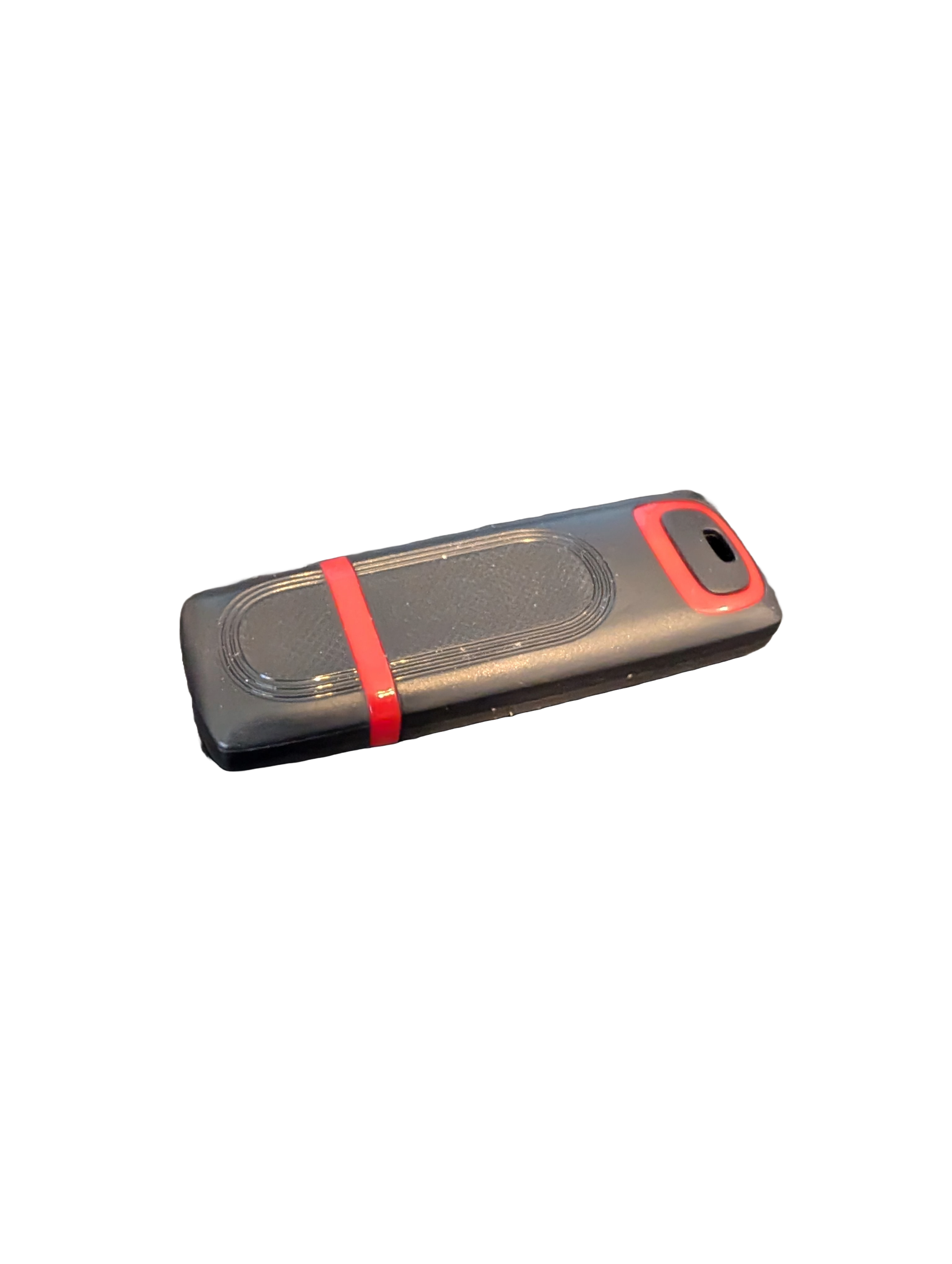
🖥️ Give Your Slow Windows PC a Fresh Boost
This plug‑and‑play Windows Computer Tune‑Up USB Drive is a complete performance‑restoration toolkit for desktops, laptops, and tablets. No installation required — simply plug it in and run the tools directly from the USB.
Perfect for speeding up slow computers, removing junk software, fixing performance issues, and cleaning malware.
🔧 What’s Included (Tools & Utilities)
Your USB drive comes preloaded with a curated suite of essential PC maintenance tools:
Windows manual update utility
Software removal & cleanup tools
Startup optimizer
Virus & malware scan/removal utilities
Disk cleanup utility
Defrag tool
Windows performance tweak utility
Registry cleanup & optimization
Note: USB brand and appearance may vary. Self‑Updating: Tools automatically stay current when connected online.
🚀 Why This Tune‑Up USB Is Better
✔ No installation required
Runs directly from the USB — ideal for damaged or slow systems.
✔ Safe, portable, and beginner‑friendly
Includes step‑by‑step instructions and a full tune‑up checklist.
✔ Works on all modern Windows PCs
Compatible with Windows desktops, laptops, and tablets.
✔ Fixes the most common PC problems
Slow startup, cluttered software, malware infections, lag, freezing, and more.
🛠️ Ideal For
Slow or aging computers
Family PCs that need regular cleanup
Students, home offices, and small businesses
Technicians who want a portable toolkit
📦 What You Get
1× Preloaded Tune‑Up USB Drive
Full instructions + tune‑up checklist
Lifetime updates to included tools
THERE IS NO GUARANTEE THIS PRODUCT WILL FIX YOUR SPECIFIC ISSUE OR IMPROVE PERFORMANCE